PrintSender
printsender.com ↗A small appliance that connects to a printer in an aging parent's home, letting family members send notes, photos and documents directly to their home. I built it on my own to solve a recurring caregiving problem in my family, not to start a company, realized I was rebuilding the fax machine, and rebuilt it right: the hardware, the cloud, the security, and every part of the experience down to the box it ships in.
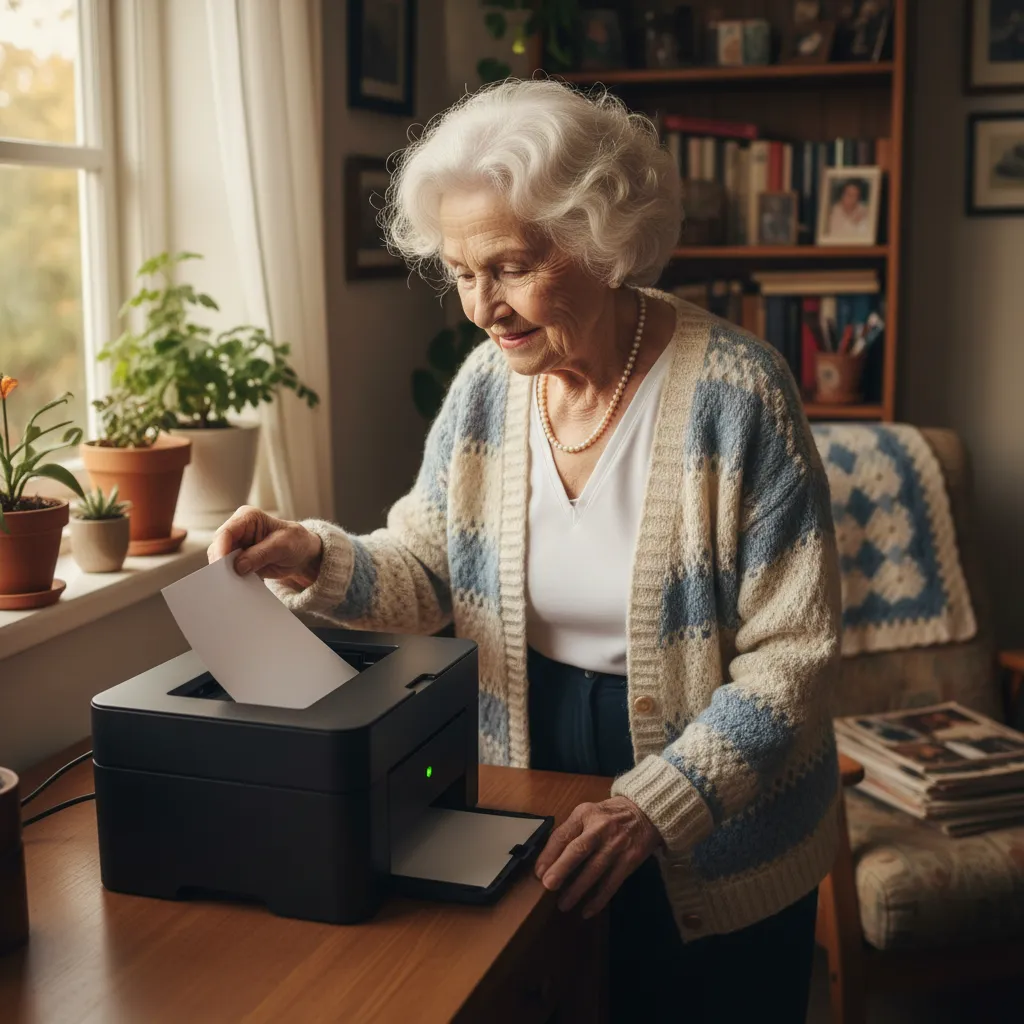
Most of my experiments live at the frontier: agents, AI, the newest tools I can get my hands on. This one’s different. It’s personal, and its core technology is a sheet of printed paper.
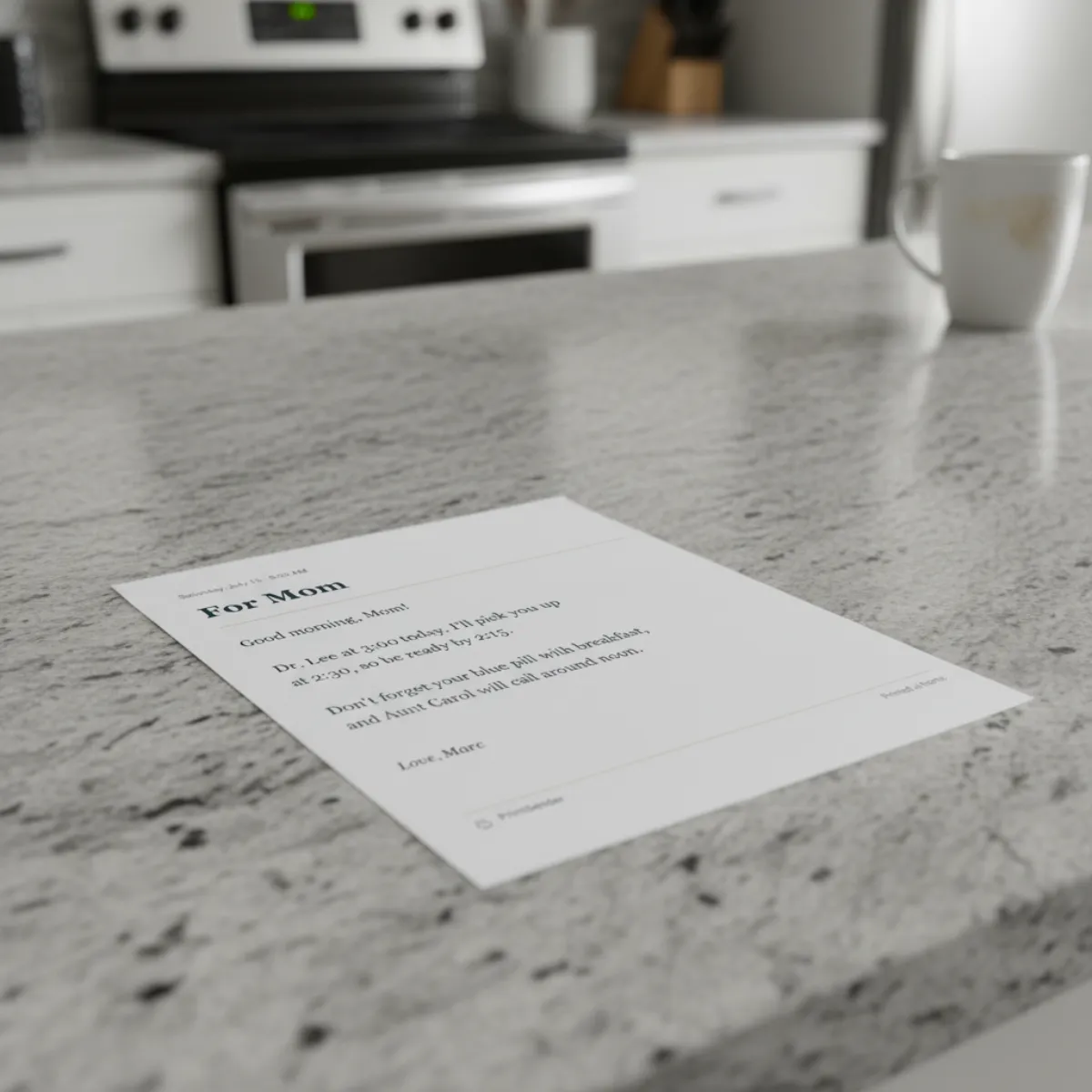
I’ve spent the last few years, like a lot of families, inside the everyday work of caring for an aging parent with early-stage dementia. A lot of that work is small and repetitive: a reminder about an appointment, a note about which pill and when, a heads-up that someone’s coming by their house. None of it’s dramatic, but all of it matters. And the tools I had for it kept failing in the same quiet way.
I want to say one thing up front, this isn’t a business, and I’m not trying to turn it into one. Although, I’m selling it at cost for other families. I built it, by myself, because I needed it, and because it turned out to be something other families wanted, I opened it up to them as well.
The Problem
A text is easy to send. It's also easy to miss.
A digital message only works if a whole chain holds. Someone has to notice the notification, unlock the phone, open the right app, understand the message, remember it an hour later, and find it again when they need it. For a lot of families, that chain isn’t reliable. A notification goes unseen. A message is read and then gone. And a handwritten note only helps if it got written down correctly and didn’t get lost under the mail.
A printed page doesn’t need to be checked, unlocked, or remembered. It sits on the counter, and it’s still there tomorrow. For someone whose day runs on routine, paper is often a better interface than one more screen.
So the goal got very specific: let the people who care about someone send a clear page into their home, and ask absolutely nothing of the person receiving it. No app. No account. No password. Nothing to set up or operate.
It Started as an Experiment
The first version was a single question I wanted to answer for myself: could my brother or I write a message in a web app and have it come out on paper, on a printer sitting in our mother’s house, reliably, without anyone at the other end touching anything?
I built the smallest thing that could prove it. A tiny web form, a cloud service in the middle, and a Raspberry Pi. The rest of the project has been turning that one working moment into something a family could actually use easily.
The device in the person’s home is outbound only. It never listens for the internet, it reaches out, holds a secure connection open, and prints what arrives. It can’t be reached, scanned, or poked at from the outside.
Wait, I Made a Fax Machine
Somewhere around the third working print, it hit me. A machine in someone’s home. It sits there quietly. You send it a document from somewhere else, and a page comes out on their end. Oh man… I had reinvented the fax machine.
I mean if you think about it, the fax wasn’t wrong. It was right about the one thing that matters here: a page in your hand is a solid way to receive something.
The right instinct, wrapped in friction
A phone line, a number to dial, a machine to operate on both ends, cryptic errors, and a page that usually arrived crooked and faint.
The same page, none of the friction
No phone line and no number. A clean app for the sender, a silent appliance for the recipient, and a clean, readable page that just appears.
Once I let it be a fax machine, the design got honest. The recipient’s whole experience is the page. Everything hard moves to the sender’s side and to the parts they never see.
The Hardware
The device is deliberately small and boring. A little box that lives in the corner of a room and does one job. It turns on by itself after a power cut, reconnects to the home Wi-Fi on its own, and recovers without anyone knowing something went wrong.
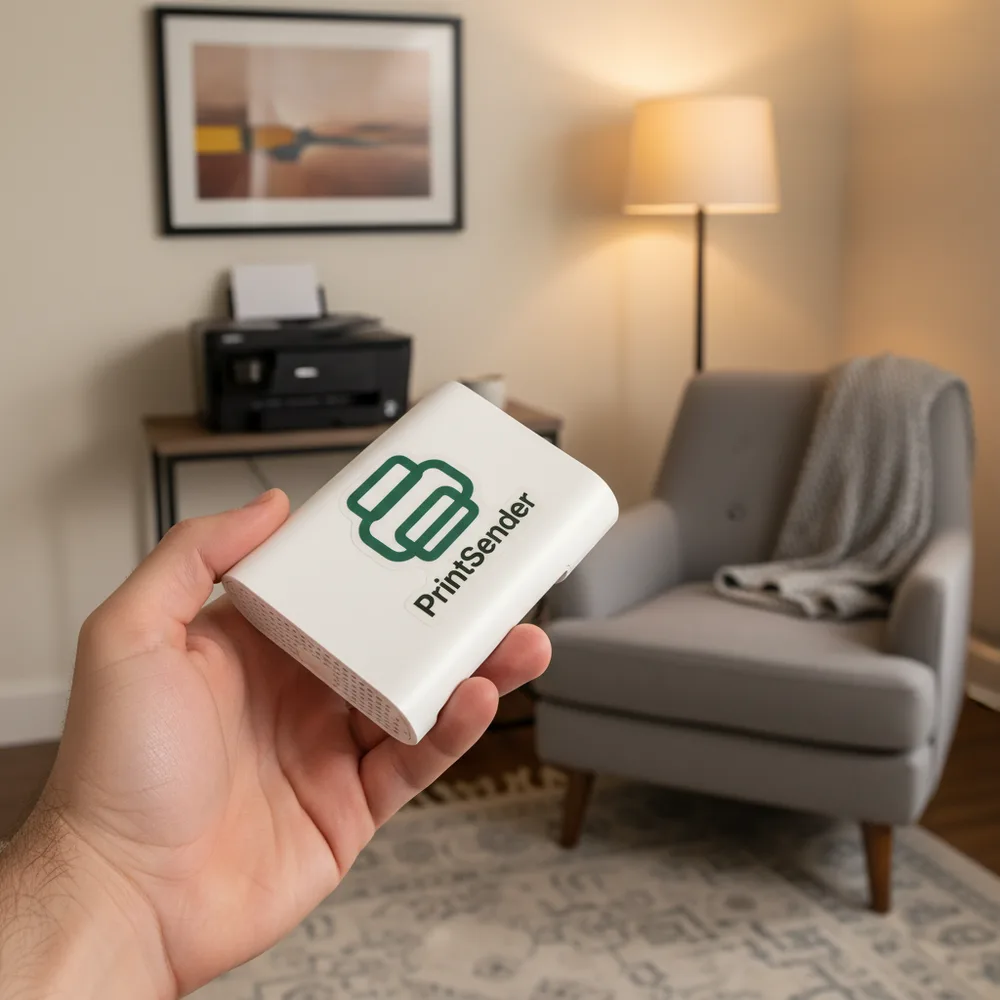
The harder hardware question was the printer. So the device speaks to printers the driverless way that modern printers already support, and it handles three tiers: a regular USB laser, a Wi-Fi printer already on the network, and a small thermal receipt printer for a tiny, cheap footprint. Each of those is a real printer that a real family might already own or buy for very little. Getting a full, clean page out of an off-the-shelf printer with no drivers, and proving it on actual hardware, took far longer than the fun parts. There’s also a wake-on-print trick so a printer that’s gone to sleep never swallows a job.
I’ve confirmed it works all the way down to a little thermal receipt printer, the kind that prints a compact strip instead of a full page. No ink or toner ever, cheap paper rolls, and a footprint small enough to tuck on the kitchen counter. It’s perfect for short notes and reminders, and it makes the whole thing cheaper and less intrusive for someone who just wants the occasional note on the counter.
The Software
In the middle sits a small cloud service that coordinates everything and each device gets its own little coordinator that holds jobs safely until the device confirms it printed them. Send a note while the device is briefly offline and it prints when it comes back.
Security was a priority, because this sits in a family member’s home and carries private things. So on every deploy:
- The device is outbound only. It never listens on the network, so there’s no open door to knock on, every send is authenticated.
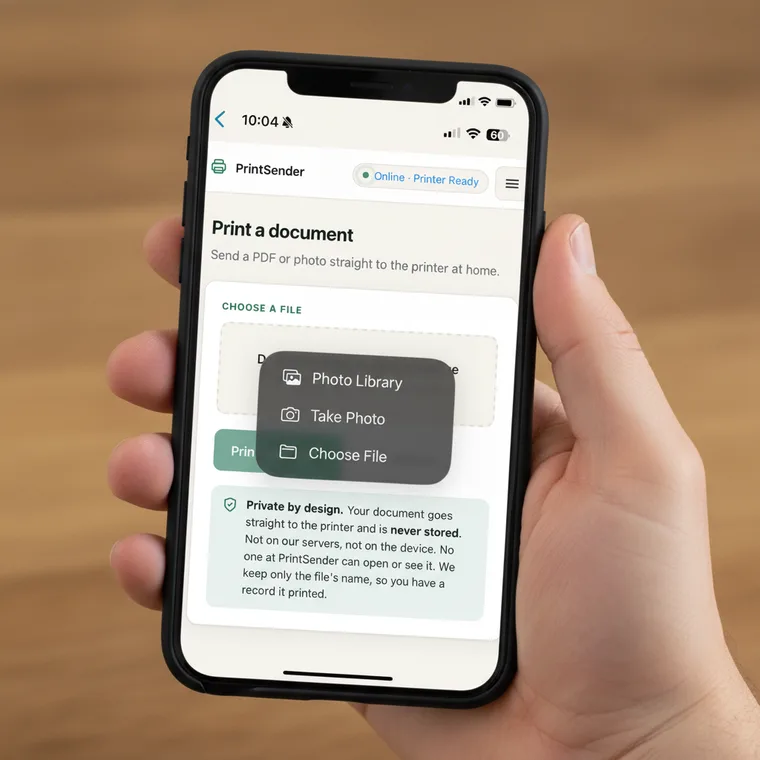
- Messages aren’t stored. The documents and photos families send to print are never stored at all: they pass through in memory, print once, and are gone.
- Sharing is by secure invite link, so no guessing an email or a device id. Knowing who someone is grants nothing on its own.
- Updates go out securely, over the air, with no backdoor. Releases are signed and verified, rolled out in stages, and the device health-checks itself and rolls back on its own if anything’s wrong. So there’s no standing way for anyone to reach into a home’s device.
- Rate limits, login throttling, and origin checks are all in place, and an automated security gate has to pass on every single deploy.
None of that’s visible to anyone using it, of course, but trust is a feature you only feel when it’s missing.
The UX Is the Whole Product
On the recipient’s side the interface is a sheet of paper, so I wanted to make sure that page feels calm and legible: a familiar layout every time, a chosen type size, a date, and a name at the bottom so it reads like it came from a person and not a system.
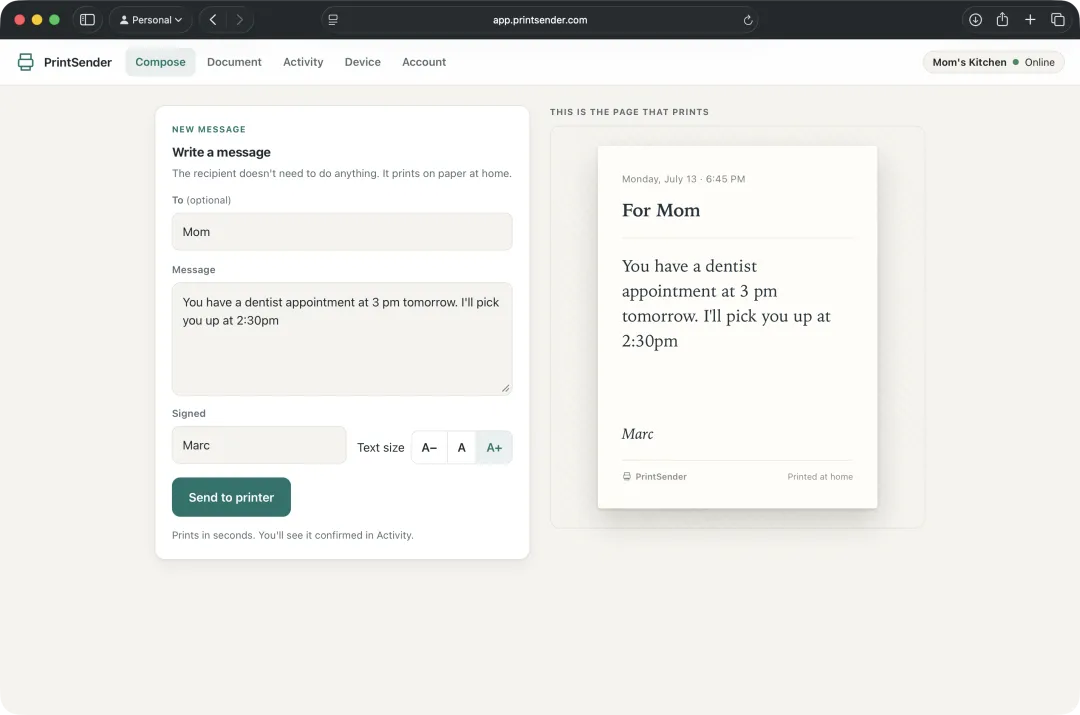
On the caregiver’s side, the app’s built to remove doubt. You write the note, pick a readable type size, and see the exact page that’ll print before you send it, then watch the activity feed confirm that the page actually came out on the other end. The whole thing leans on one feeling: you should always know the message landed.
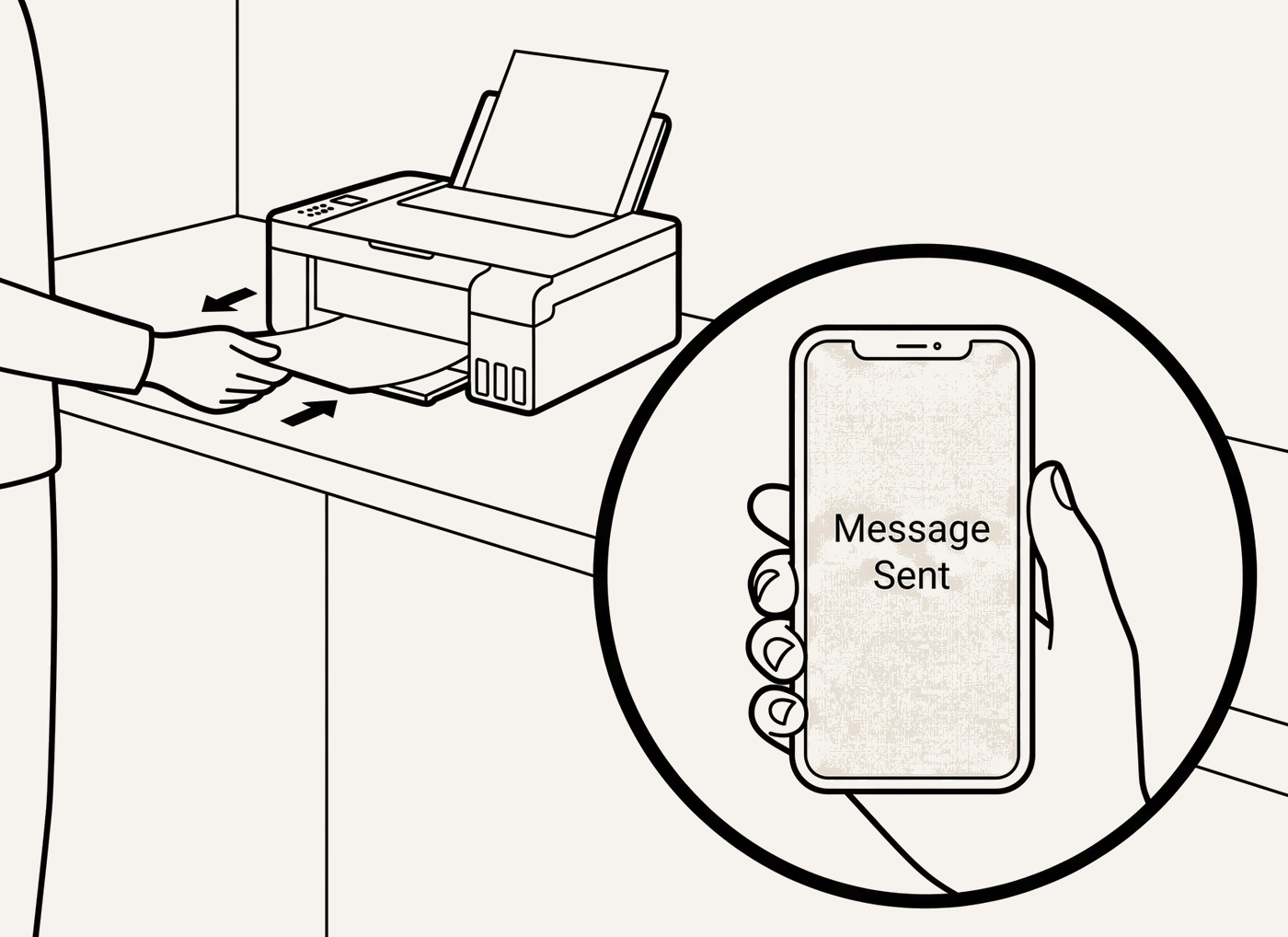
Caregiving is rarely one person’s job, so sending notes isn’t one person’s job either. There’s one device owner, who can invite the rest of the family with a single link. Anyone they add can write and send to the same printer, from their own phone, or laptop with no setup of their own to do. The owner can see who has access, and can remove anyone at any time. So a parent’s counter can catch a note from one sibling in the morning and a photo from a grandchild that afternoon, all landing in the same tray, with only one person ever having to set anything up.
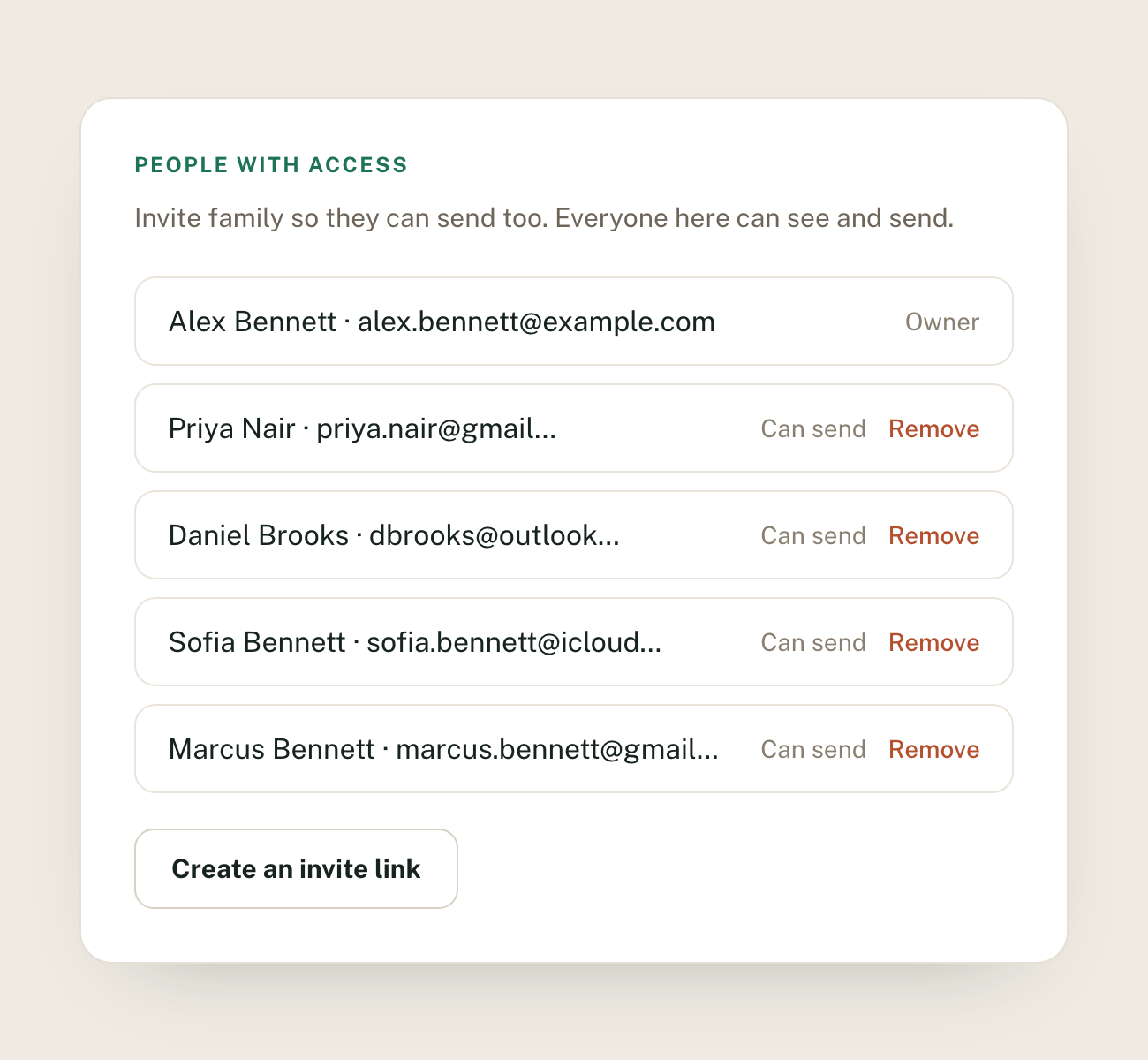
I added functionality beyond notes. It can send full documents, and photos, which became a surprising value add. A grandchild can send a printed photo straight from their phone and it comes out on grandma’s counter minutes later, with no app for her to open and nothing for her to figure out. A picture from a Saturday afternoon can just be there, in her hand, the same day, with no real effort on either end.
Reducing Confusion All the Way to the Doorstep
Here’s where I went further than I expected to. If the promise is that the recipient does nothing, then the setup a caregiver does has to be close to nothing too, and it has to work the very first time, in a real house, without always being there. So I designed the entire onboarding to be seamless and intuitive.
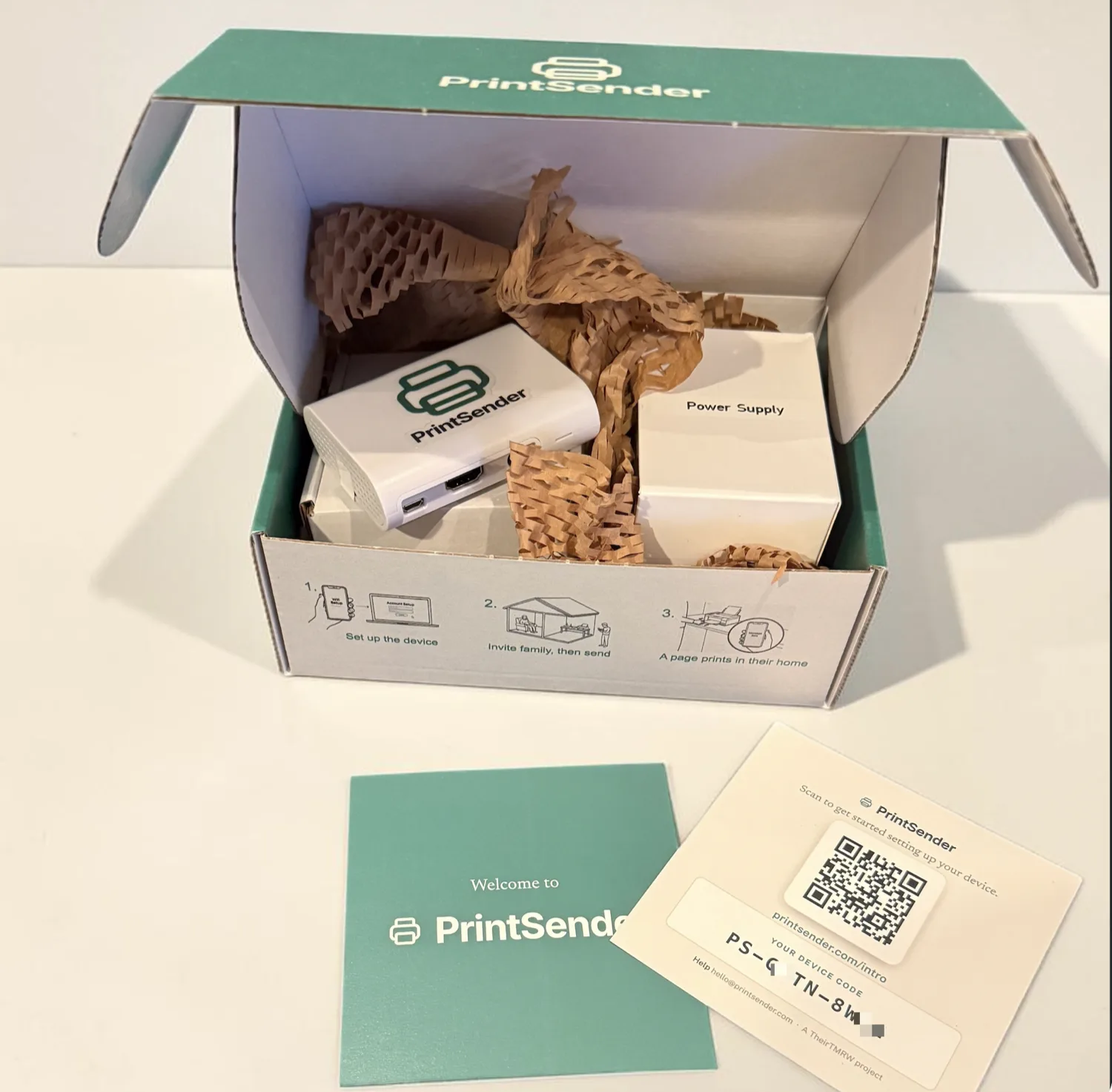
That’s a real box, packed and shipped. The device and its power supply sit in a printed carton, and the three setup steps are printed right on the inside of the box so the first instruction’s impossible to miss.
The box and the card
I designed the packaging and the printed card that ships inside it. The card carries a QR code and the unit's own unique short setup code.
The intro guide
The QR opens a plain, mobile-first getting-started page: what to expect, where the device and printer go, which printer to use, and how to add the rest of the family.
The setup walkthrough
A short guided flow gets the device online. A new device raises its own Wi-Fi network and a setup page, so you hand it your home Wi-Fi from your phone and it takes it from there.
The welcome page
Once it's online, the user connects it to a printer on the network or by cable and it prints its own welcome page. The first thing the device does is confirm, on paper, that the whole chain works.
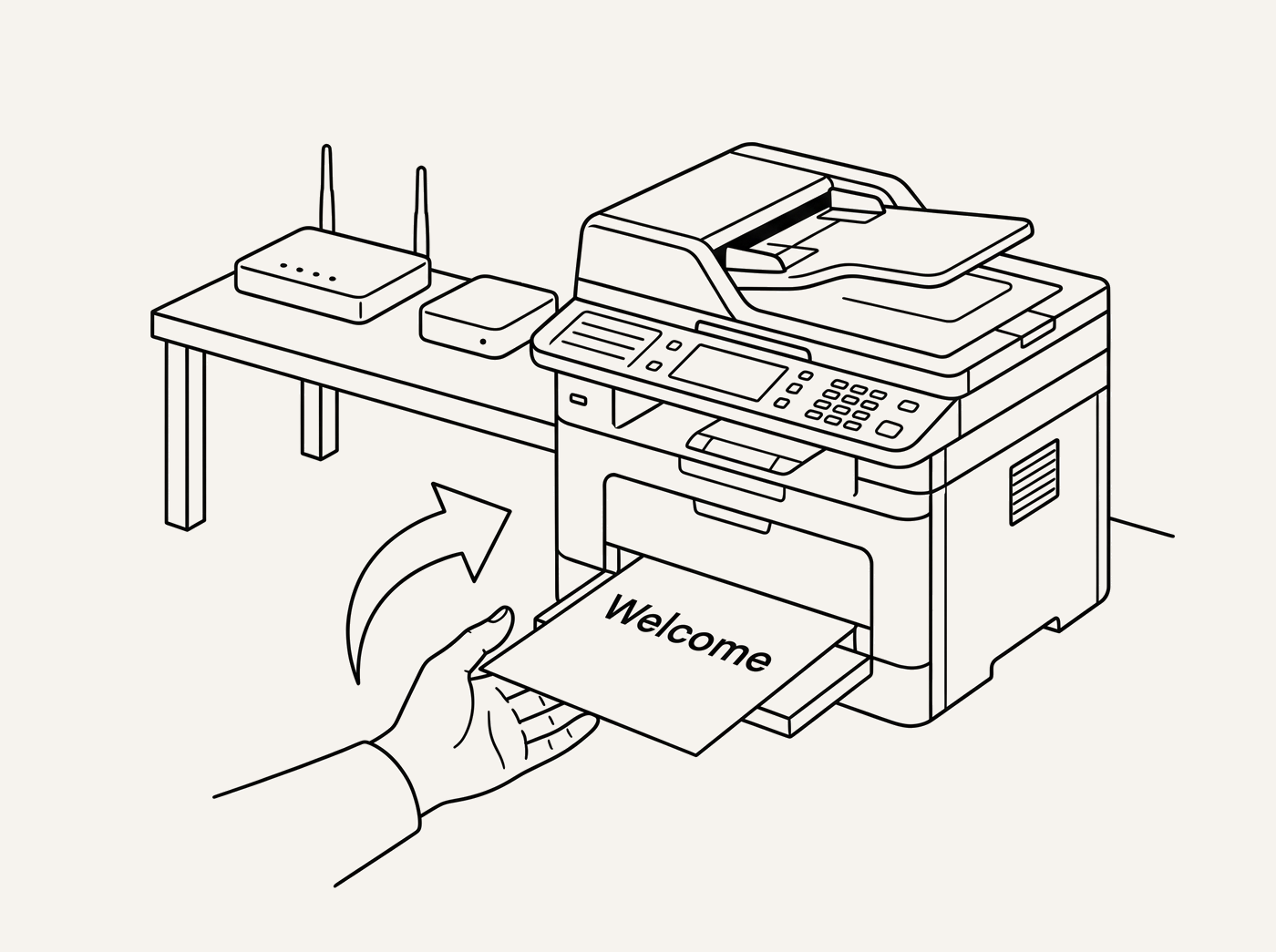
I care about this part because it’s where products for caregivers usually fall apart. The technology can be sound and the thing still fails for everyone because step two was confusing. Treating the box, the card, the guide, and the walkthrough as one continuous piece of design was, for me, the difference between a clever demo and something a stressed family can actually get working on a Sunday afternoon.
PrintSender Is the First of Many: TheirTMRW
PrintSender isn’t meant to be a one-off. It’s the first product out of TheirTMRW ↗, a nonprofit product lab I’m building with the help of my wife, aimed at exactly this kind of problem: the small, recurring, unglamorous challenges of caring for aging parents that existing products don’t handle well.
Not every idea needs to be a business. That's truer than ever in consumer software, where making something has become so easy that the old reason to commercialize an idea, just to justify the effort of building it, has mostly fallen away.
So the goal here isn't to turn these into companies. If something makes caring for an aging relative a little easier for another family, that's reason enough to build it and give it away.
The work might be software, an AI-assisted tool, a simple connected device like this one, or just an idea put out in the open for someone else to build.
The device is offered through TheirTMRW at below what the hardware costs, with the software always free. Paying for one is meant to cover parts and postage, nothing more. The point is the page on the counter, not the margin.
The plan is for TheirTMRW to be the home for products like PrintSender going forward. We expect to build and ship some ourselves, and over time it may also become a place for outside ideas that share the same purpose. PrintSender is product one, and the clearest statement so far of what the lab’s for: start from a real thing a family’s struggling with, and take it all the way to a page on the counter.