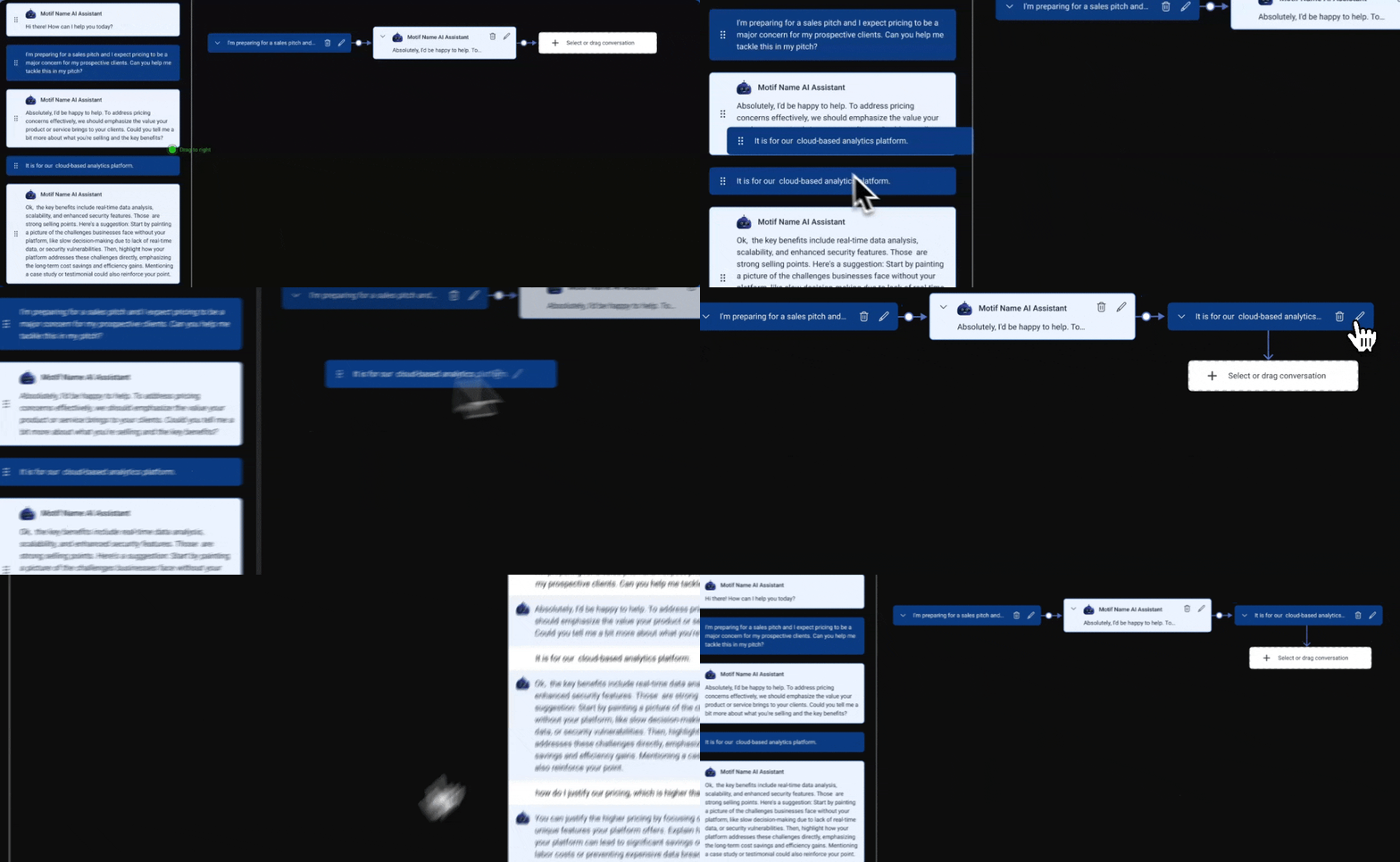
Enhanced AI Conversation Navigation and Management for User Action Assistant
Knowledge workers have diverse levels of ability when it comes to engaging with AI Assistants, and traditional AI chat experiences are linear and restrictive.
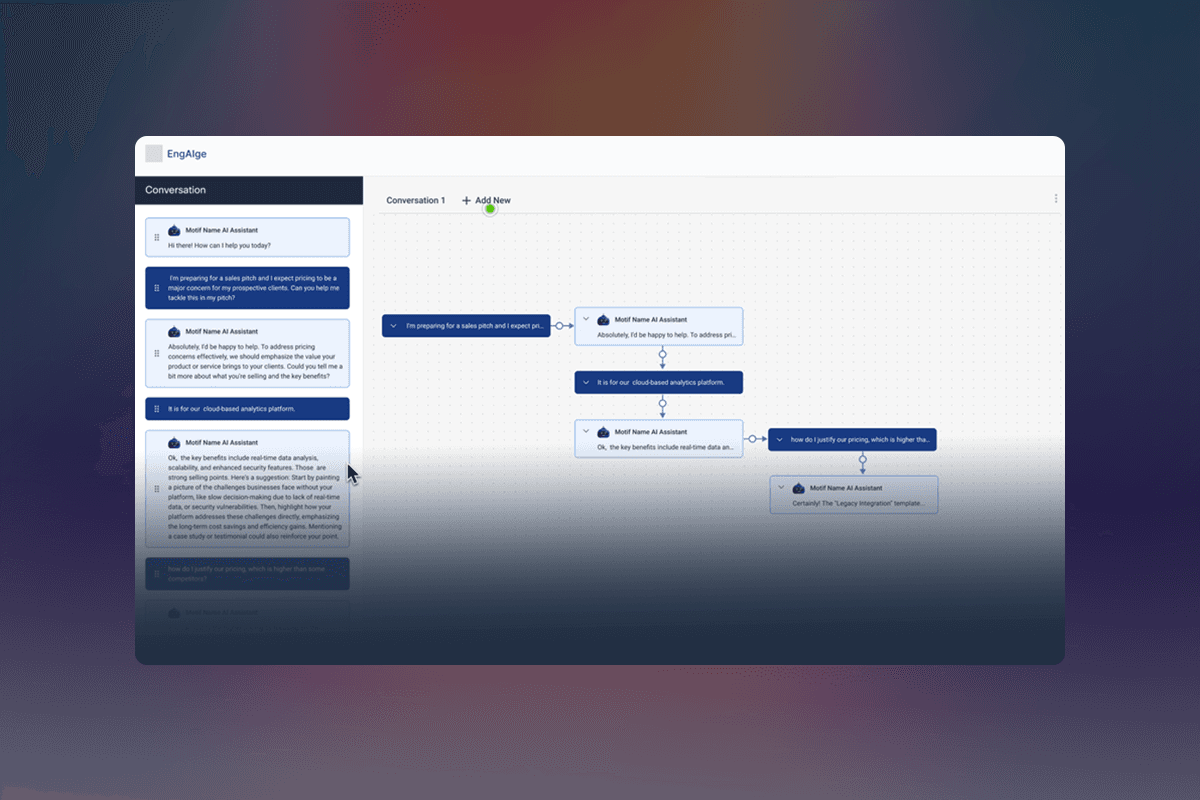
Navigating a conversation with an AI Assistant…sucks. Chats are long strings of prompts and responses that result in a captive linear effect that often includes inaccurate or unhelpful AI responses making it hard for a user to cobble together an effective outcome from the chat. And the longer more complex the conversation is, the harder it is for the user to piece together what was said and how to create an effective outcome from all that conversation. Instead AI chats should be flexible conversations where the prompt and responses are movable, editable nodes that can be plucked out and constructed into effective and clear narratives.
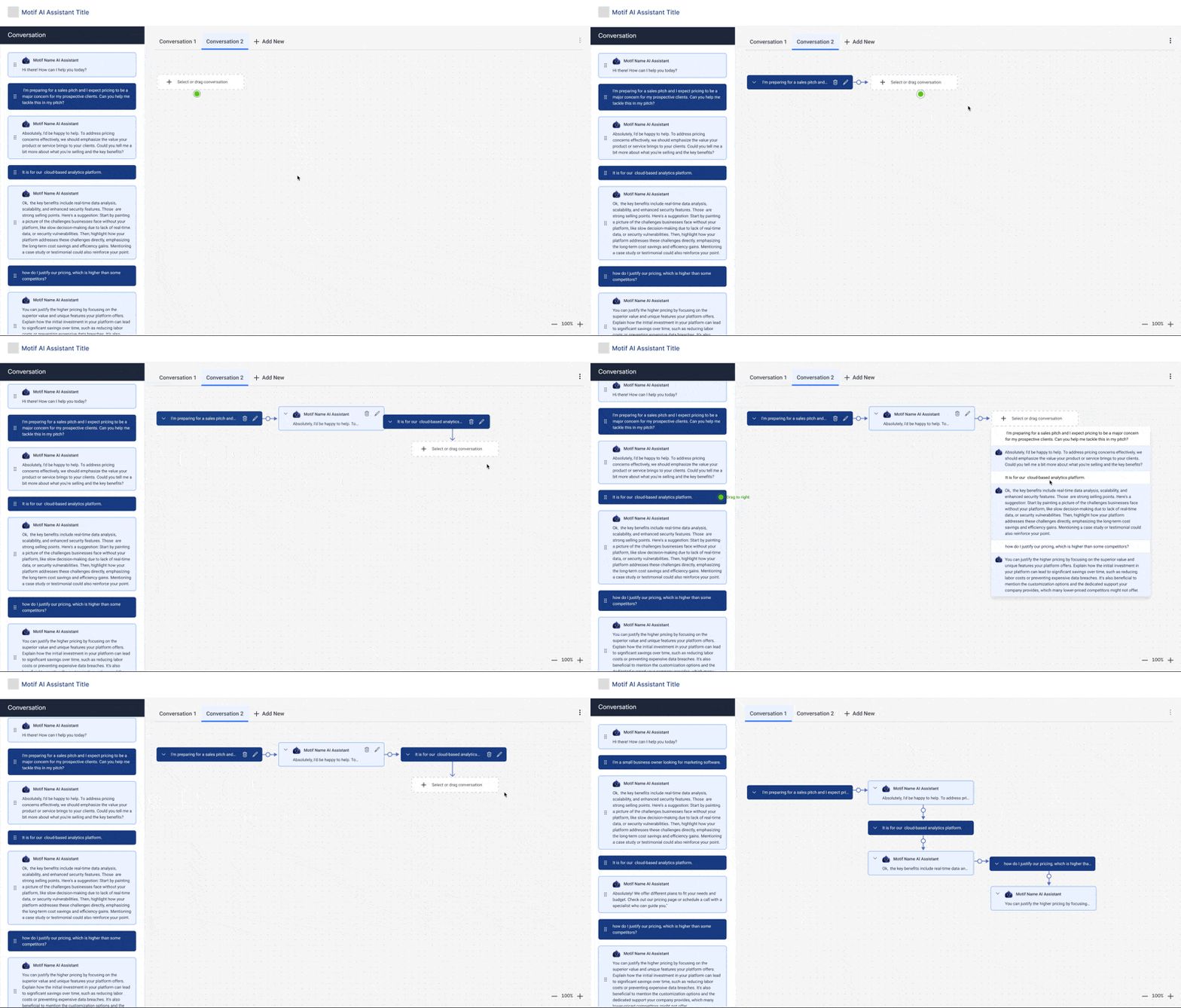
The interface would be similar to a digital white-board where users can drag and drop elements to create the most effective narrative from the lengthy, linear conversation.
Feature Highlights
Dynamic Sorting and Grouping:
Users can sort the conversation snippets (cards or nodes) into categories or stages of their project, such as "Ideas," "To Review," "Finalize," etc.
Editable Conversation Nodes
Each node can be edited, allowing users to refine the AI's suggestions, correct errors, or add personal insights. This feature ensures that the output is tailored and accurate to the user's needs.
Labels and Tags
Users can label or tag nodes for easy organization and retrieval, making it simple to organize and access relevant information.
Advanced Search
Users can search across all nodes, labels, and even within node contents, making it easy to find specific information discussed with the AI.
Filtering Options
Filters can help users find mentions or parts of the conversation that meets certain criteria. The user can also tag prompts and answers with a specific label/keyword.
Platform Integrations
Integrate with other software tools (e.g., Miro, Jira Project, etc) to pull in data directly into the conversation or push the final materials out to other platforms.
Select the best responses
Each AI prompt and user response would generate "cards" or "nodes" finding the best responses.
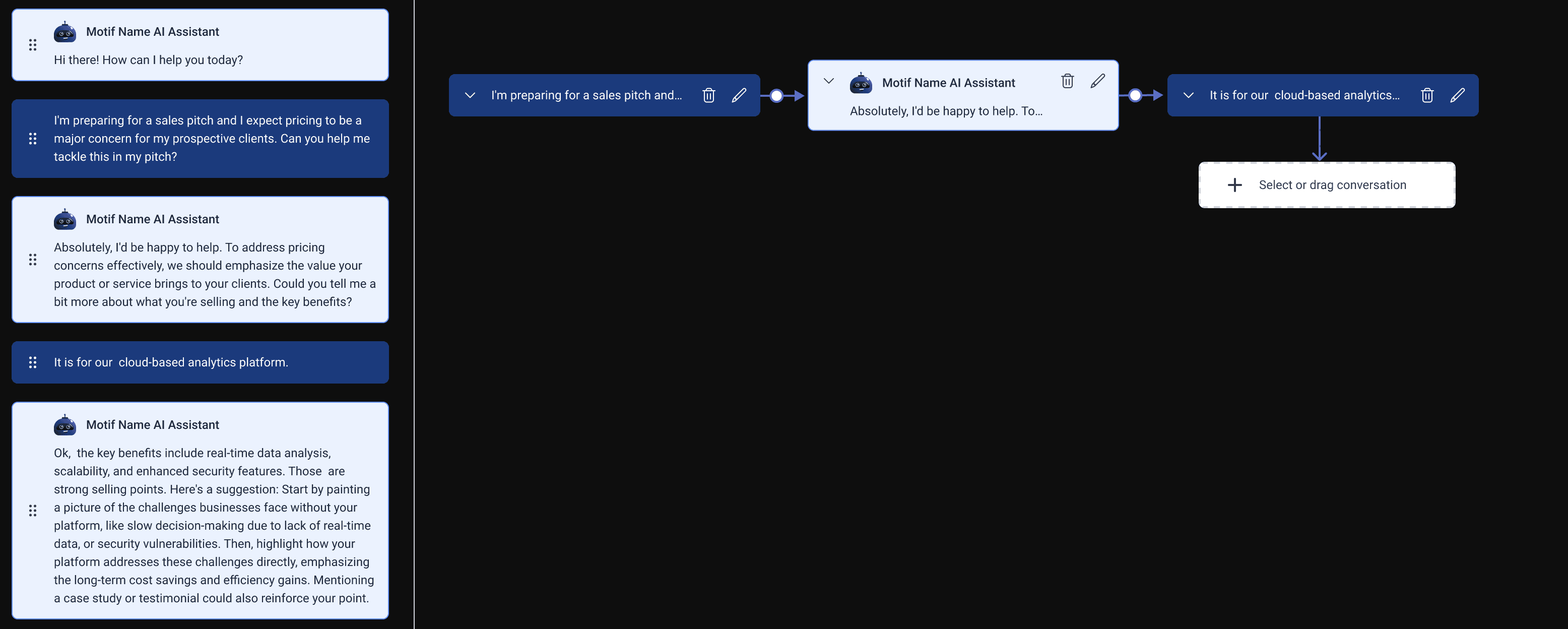
Arrange them into an effective narrative
These cards can then be moved, edited, or grouped to create the best narrative result.